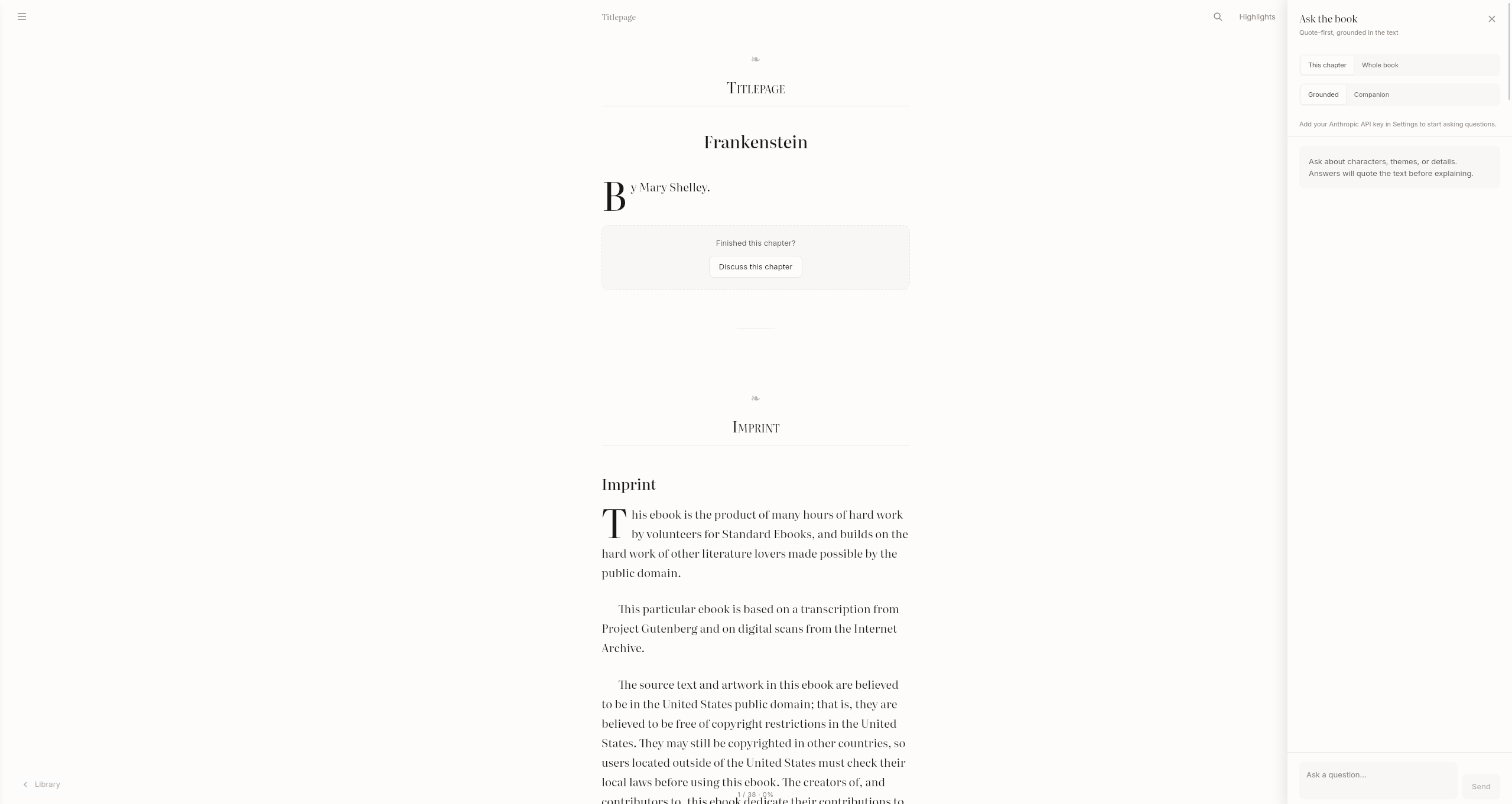
Grounded chat
Responses are tied to source passages with citations and context viewer support.
AI companion for serious reading
Kruthi turns reading into thinking: ask questions, verify claims with citations, and move through difficult books with calm guidance instead of noise.
Experience
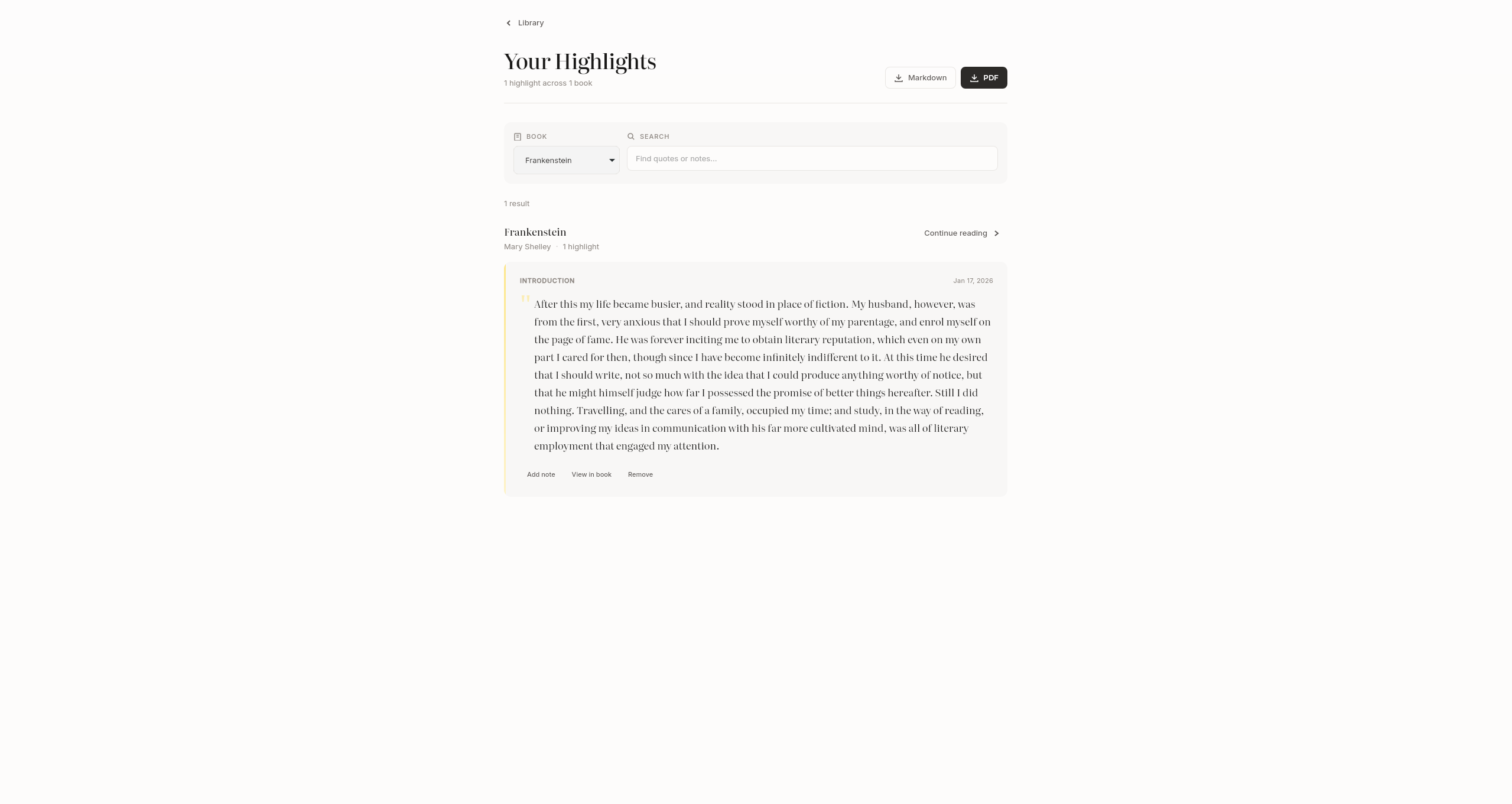
Every part of Kruthi is tuned for long-form reading: typography, context-first AI, and workflows for highlights, revision, and completion.
Responses are tied to source passages with citations and context viewer support.
Set per-book goals, track weekly progress, and estimate chapter completion time.
Switch between brief, teacher-style, and exam-mode responses with one click simplify.
A shelf system built around serious reading lists and high-quality public-domain editions.

Trust
Kruthi keeps your books and progress on-device, secures provider keys, and favors citation-backed assistance over speculation.
Install
Choose your platform. Use the latest release links so instructions stay current.
git clone https://github.com/bebhuvan/kruthi.git
cd kruthi
bash scripts/install-linux.sh
Update: run the same two commands again.
Open Latest Release and run the `.exe` installer asset.
Open latest releaseOpen Latest Release, download `.dmg`, then drag Kruthi to Applications.
Open latest releaseNeed all assets, checksums (`SHA256SUMS.txt`), or web deploy artifact? Use the full release page.
Open latest releaseDownload
Desktop binaries and web artifacts are published on every release.
Kruthi classics are sourced from public-domain providers, with special thanks to Standard Ebooks.